
My Home Assistant setup, “Jarvis,” handles everything from locking doors and managing lighting to keeping track of daily appointments. In order to keep expanding what he can do, I recently taught him a new trick: monitoring the garage door and giving me full open/close control from anywhere. Here is how I added this functionality.
Equipment used on this project
- SwitchBot
- Garage door remote control
- 3d printed housing
- Zigbee tilt sensor
Tools
3d Printer at SCC Maker Space
About
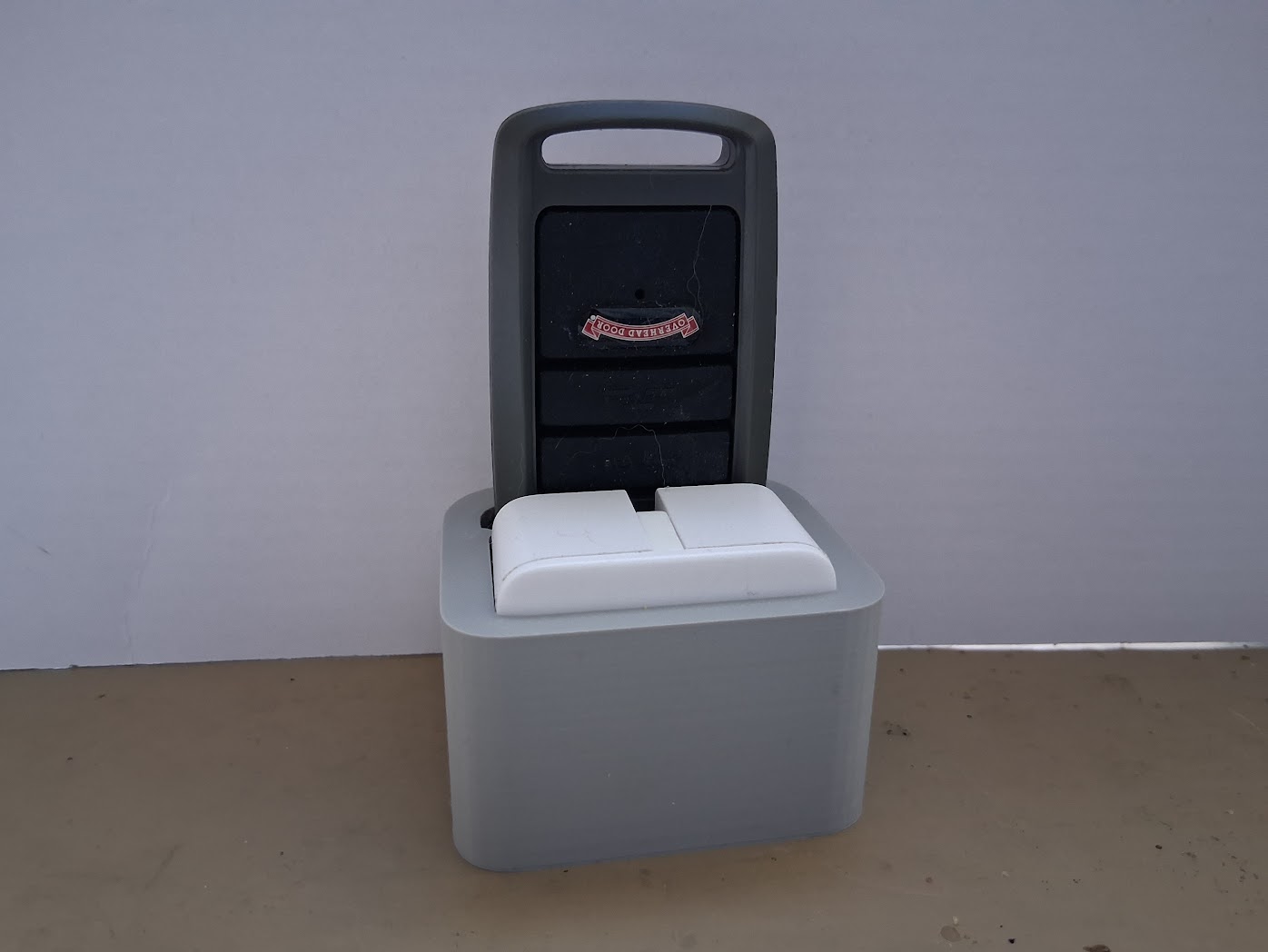
Enter SwitchBot. It’s essentially a Bluetooth-controlled mechanical “finger,” making it the ideal no-wiring solution to the garage door challenge I’d been turning over in my head..
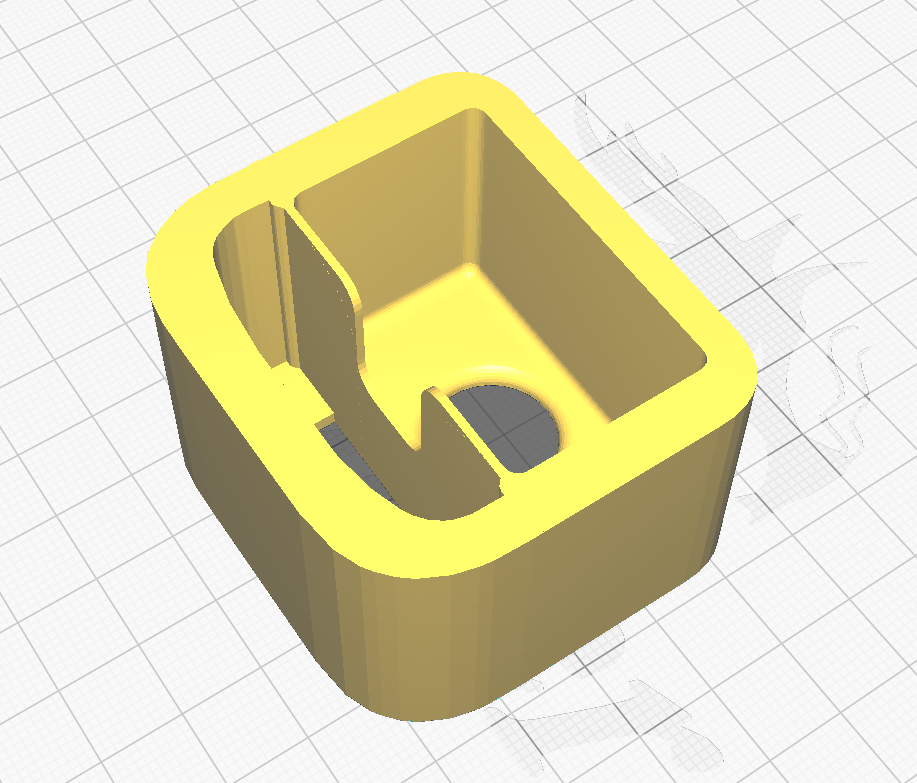
Manually holding the opener against the SwitchBot proved the concept worked, but a quick hack with rubber bands slipped right off under pressure. Clearly, this called for a custom housing.
My first prototype was a hair too snug. A quick tweak in Fusion and another trip to the 3D printer, and the setup was complete. It’s been running flawlessly ever since.
See the Home Assistant page write up to read about the entire system.