I expected this would be a never-ending project when it began last year. The system has grown-up and is exploring its identity.
It all started with a simple goal: keeping my smart home entirely local. For years, Amazon Echo and Google Home ran the show, handling my voice commands and connected gear. But between nagging privacy concerns and the frustration of watching my home freeze up whenever the internet dropped, I knew something had to change. With Home Assistant, those restrictions are gone—and I’ve officially retired the big tech smart speakers for good.
My personal assistant, Jarvis, helps me to stay organized and control my home– all without sending information to the cloud or announcing products I might want to buy.
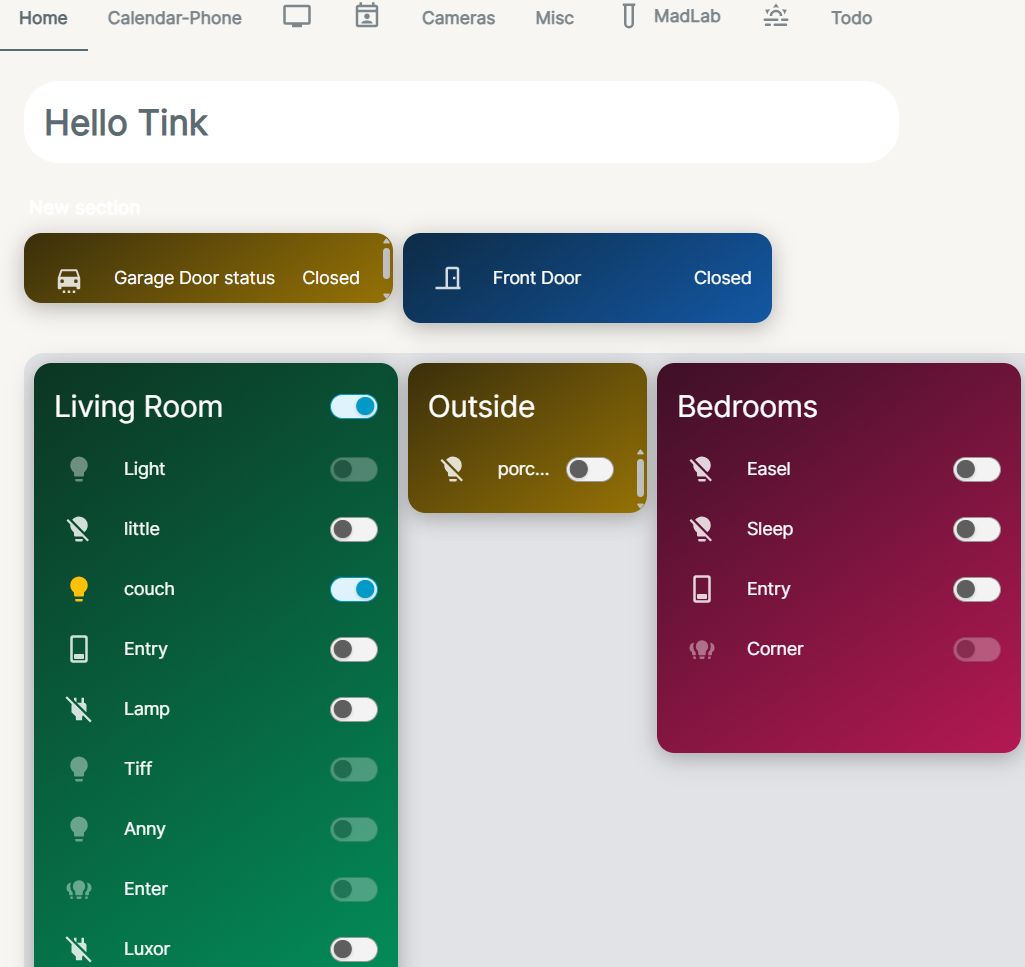
Automations handle smart devices: the porch light shifts automatically by time of day, and Jarvis triggers an alert if the garage or front door stays open longer than five minutes.
To bring this local system to life around the house, I turned two Amazon Fire tablets into dedicated control panels. After sideloading Google Play, I installed Fully Kiosk Browser and set it to automatically launch Home Assistant on boot.
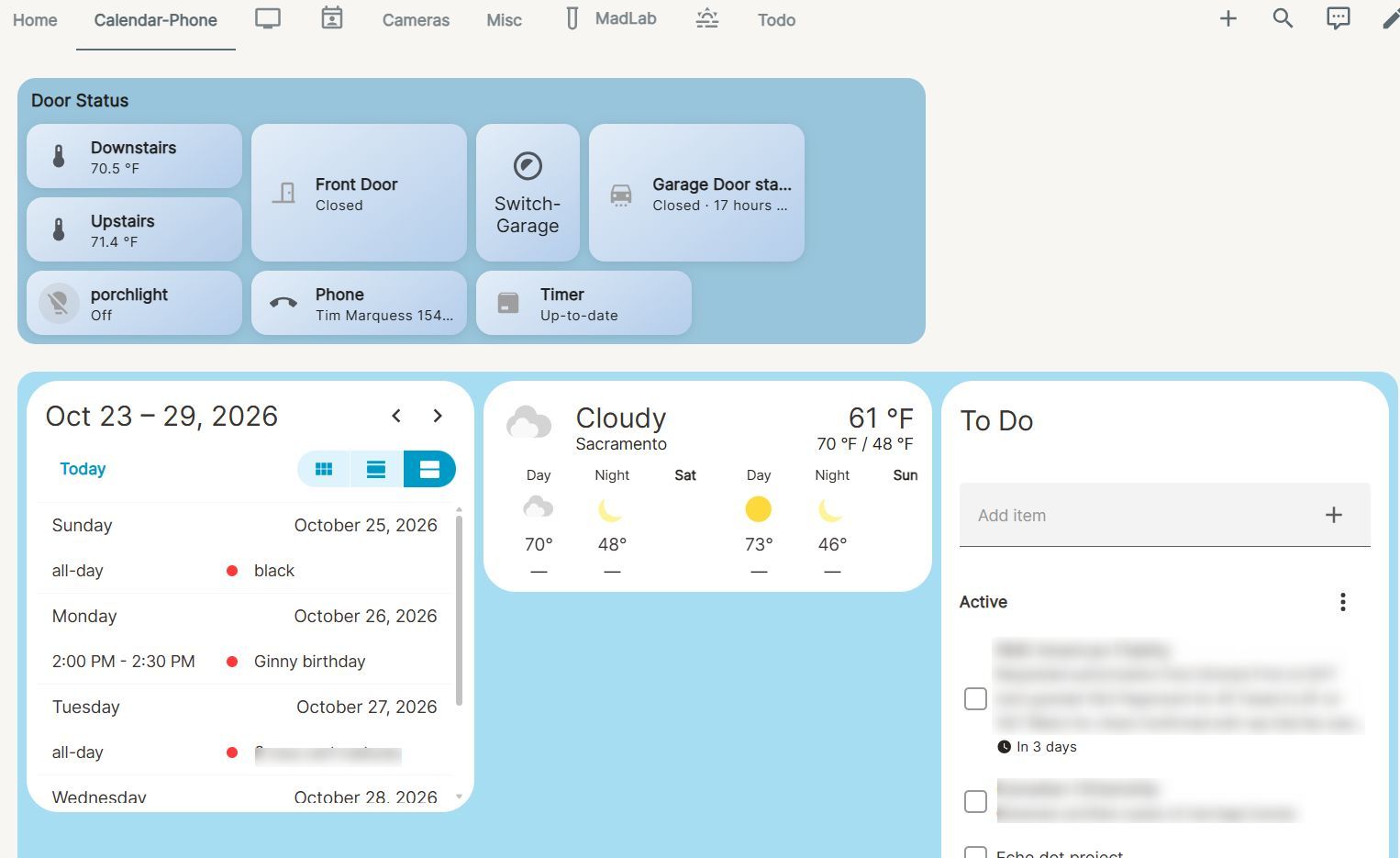
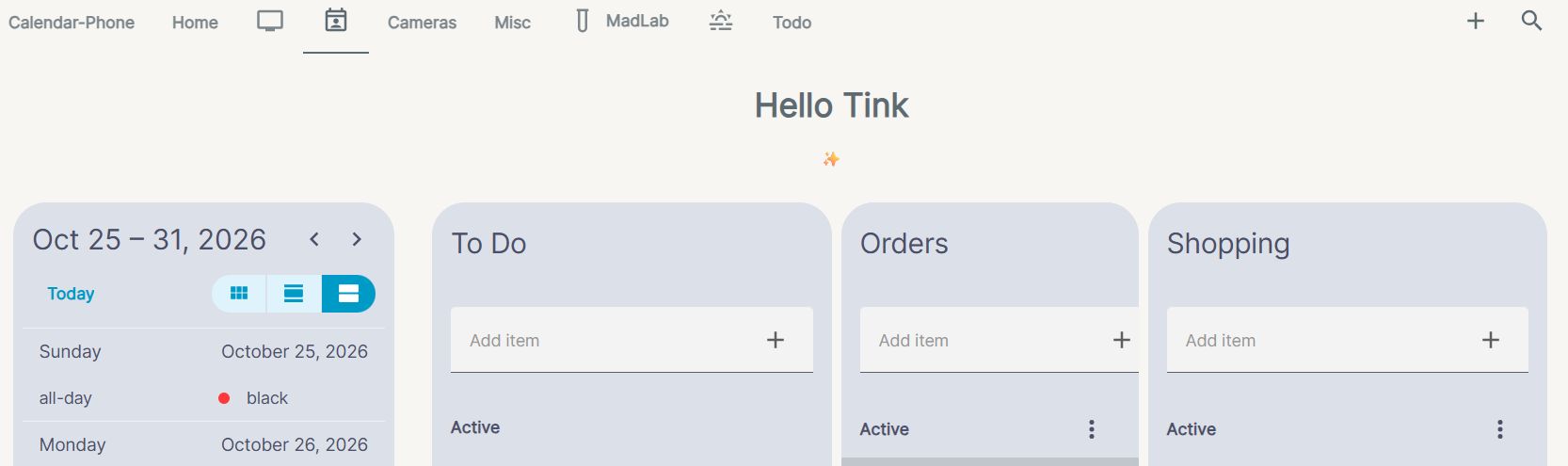
Now, instead of bulky smart displays phoning home to external servers, I have clean, wall-mounted dashboards tailored exactly to my routine. The interface is organized into distinct tabs by function, defaulting right to my Day Planner view so the day’s schedule and critical home stats are front and center the moment you walk by.
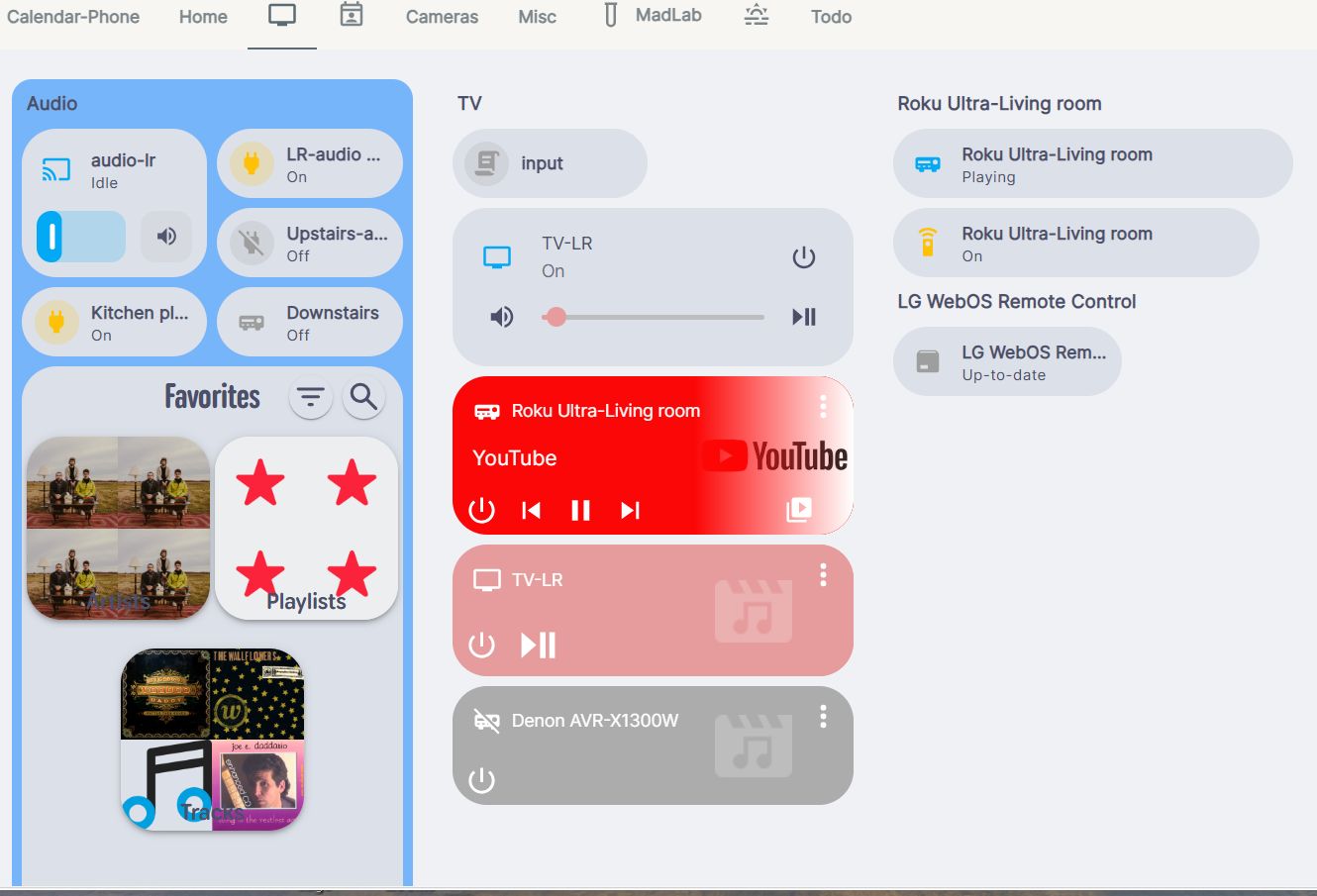
Beyond whole-home organization, the setup has steadily grown. Last year, I tied in a whole-house audio system, placing the Music Assistant integration right at the heart of my Entertainment tab.
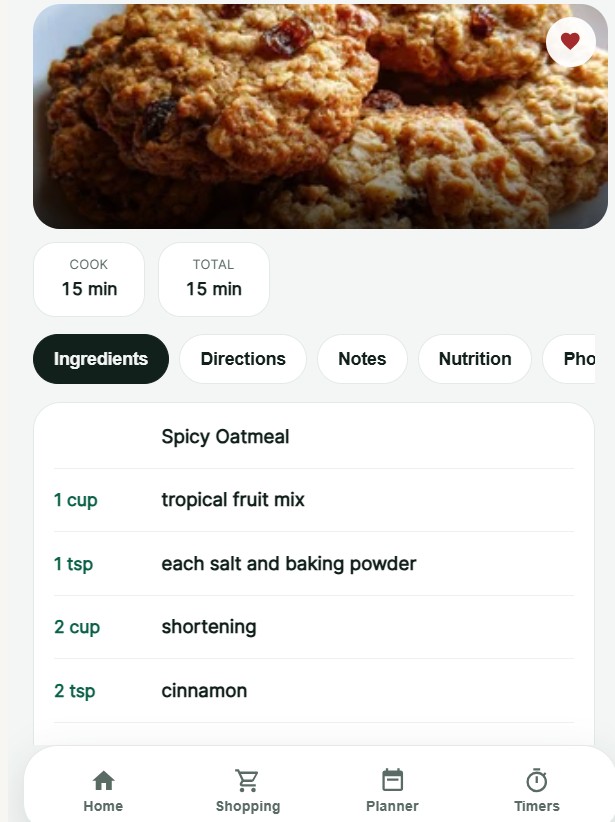
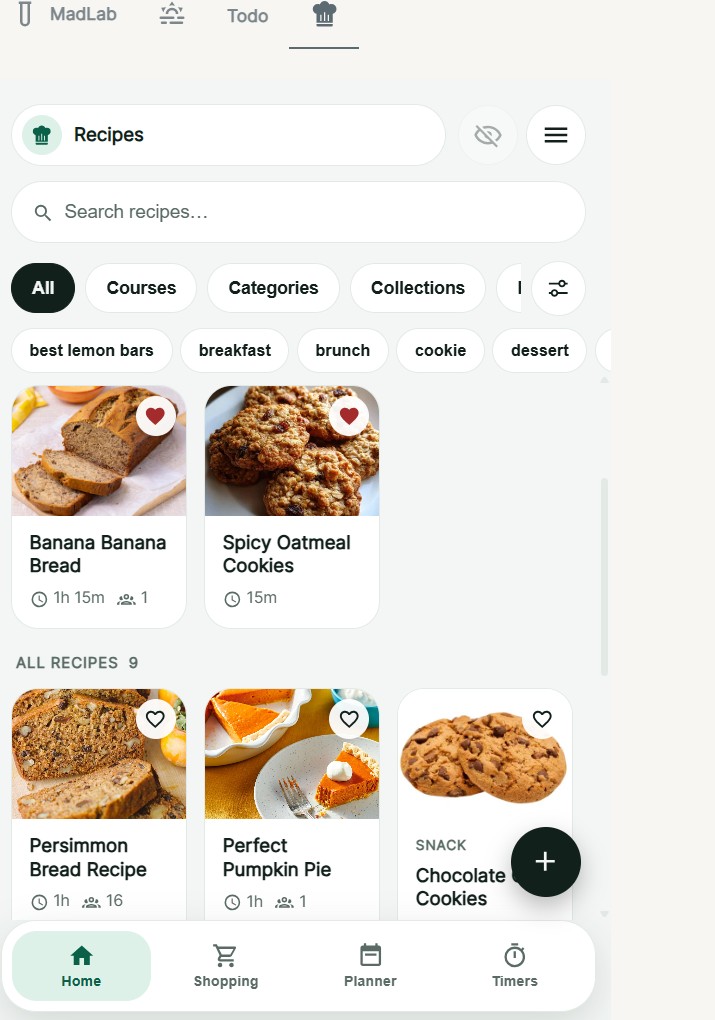
Newest Addition: Recipe Tab
This works perfectly for the kitchen while baking. I gave it a dedicated tab for now, though I might move it to another view later
Link:https://thinksoftly.com/whole-house-audio-solution-2/
This semester, I tackled garage door monitoring and control.
Link: https://thinksoftly.com/home-automation-garage-door/
Home Assistant 2026
-
Day Planner
-
Devices
-
Entertainment
-
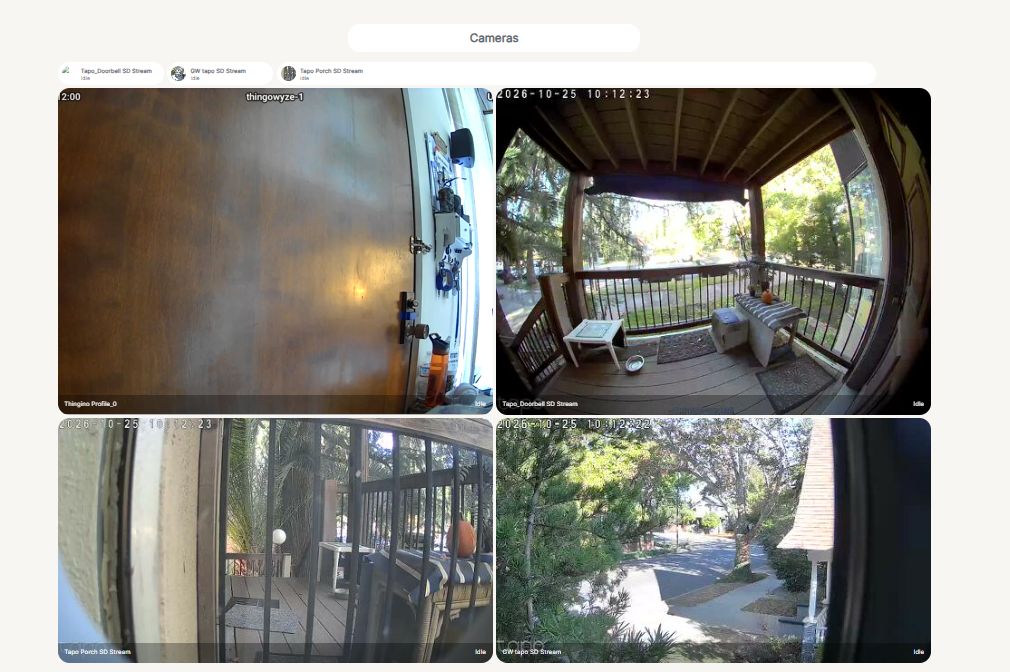
Camera
-
To Do
-
Recipes